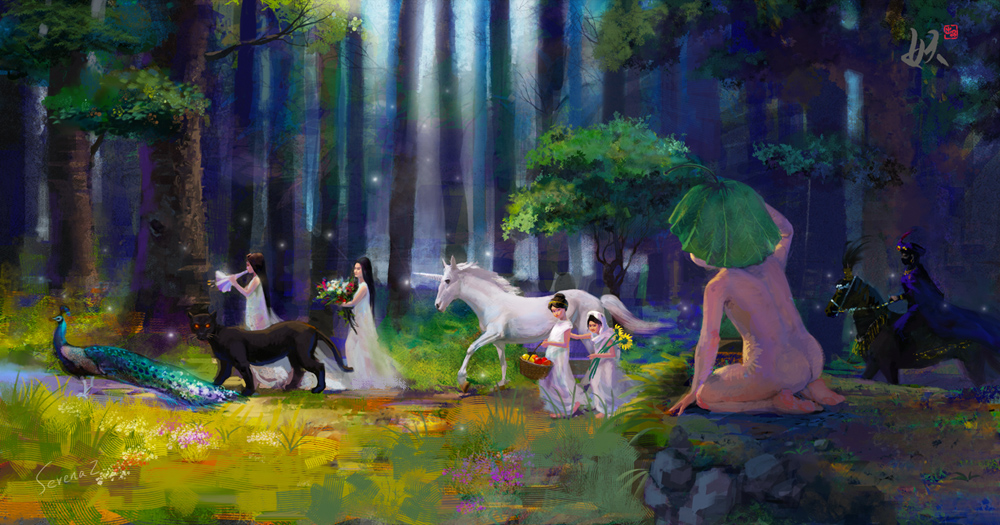
Blur's good brush -- I have blogged about this set of brushes before, but now I found the whole collection, so here it is. BTW, it totally works with CS5.
Tutorials are included. The .ABR file contains super useful brushes for sketching, painting, blending, special effects, etc.
Download link
The creator's website: Link
Sunday, January 16, 2011
Tuesday, December 14, 2010
Matsuri
New digital illustration. Matsuri means Festival in Japanese, and this illustration is about a New-age music album that's inspired by Japanese Festival.
The initial sketch
The initial sketch
Friday, November 12, 2010
Thursday, October 21, 2010
My basic process for digital rendering
Here is my basic process for rendering an illustration in PS CS4.
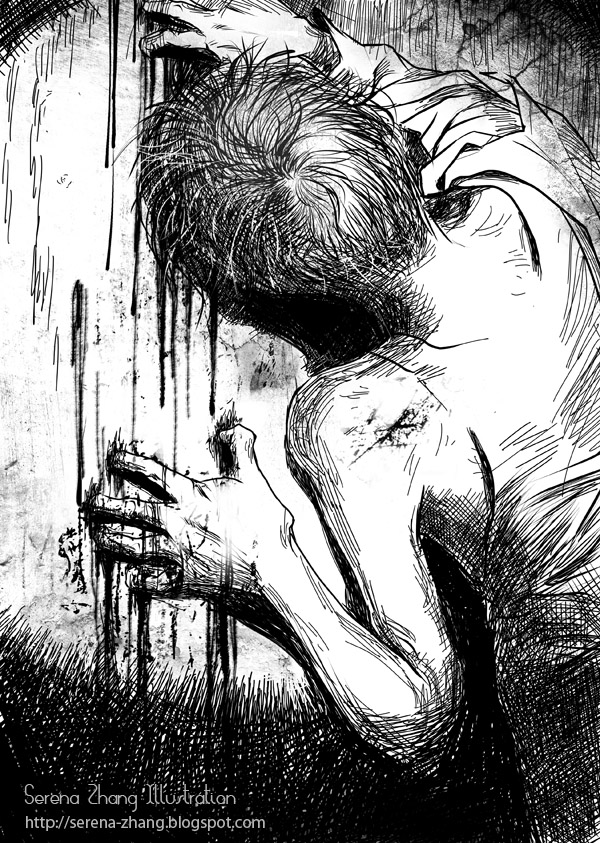
My initial sketches are always very, very rough. This piece is for an adult short story: Landlady by Roald Dahl.
I don't like working with too many layers, so only the backround(usually a grey color), initial sketch, and the painting layer.
At first I had the landlady standing behind the door, but then I changed the composition, because I wanted the viewer to focus on the young man's gesture, expression, and feeling.
Now let's talk about the trick. I added a new adjustment/curve layer at the top. Note: click "RGB", at the drop down menu, choose blue, red, or green one at a time, and adjust the curve to see how it affects the image. By using this function, you can give the image a new color.
Last but not the least, I added more details and the warm lighting effect, to give it more visual contrast.
My initial sketches are always very, very rough. This piece is for an adult short story: Landlady by Roald Dahl.
Then I started with value study by using a big, textured brush. At this stage, I did't worry about colors, because I will add color later with a small trick.
I don't like working with too many layers, so only the backround(usually a grey color), initial sketch, and the painting layer.
At first I had the landlady standing behind the door, but then I changed the composition, because I wanted the viewer to focus on the young man's gesture, expression, and feeling.
Now let's talk about the trick. I added a new adjustment/curve layer at the top. Note: click "RGB", at the drop down menu, choose blue, red, or green one at a time, and adjust the curve to see how it affects the image. By using this function, you can give the image a new color.
Last but not the least, I added more details and the warm lighting effect, to give it more visual contrast.
It's not done yet. I have to refine it later.
Thursday, October 14, 2010
Recent Illustrations for a thrilling suspense story magazine
Photoshop brush -- Leaves and grass
Yes using a brush to create quick effects is CHEAP, but sometimes you'll need it.
Just use brushes wisely.
These little brushes are also from Blur's good brush (credit to: Xueguo Yang site) I wish I had more free time to translate the whole set to English.
Download the brush here: http://www.sendspace.com/file/chlddm
Again, switch to your "SMUDGE TOOL" to use these brushes!!!
Subscribe to:
Posts (Atom)